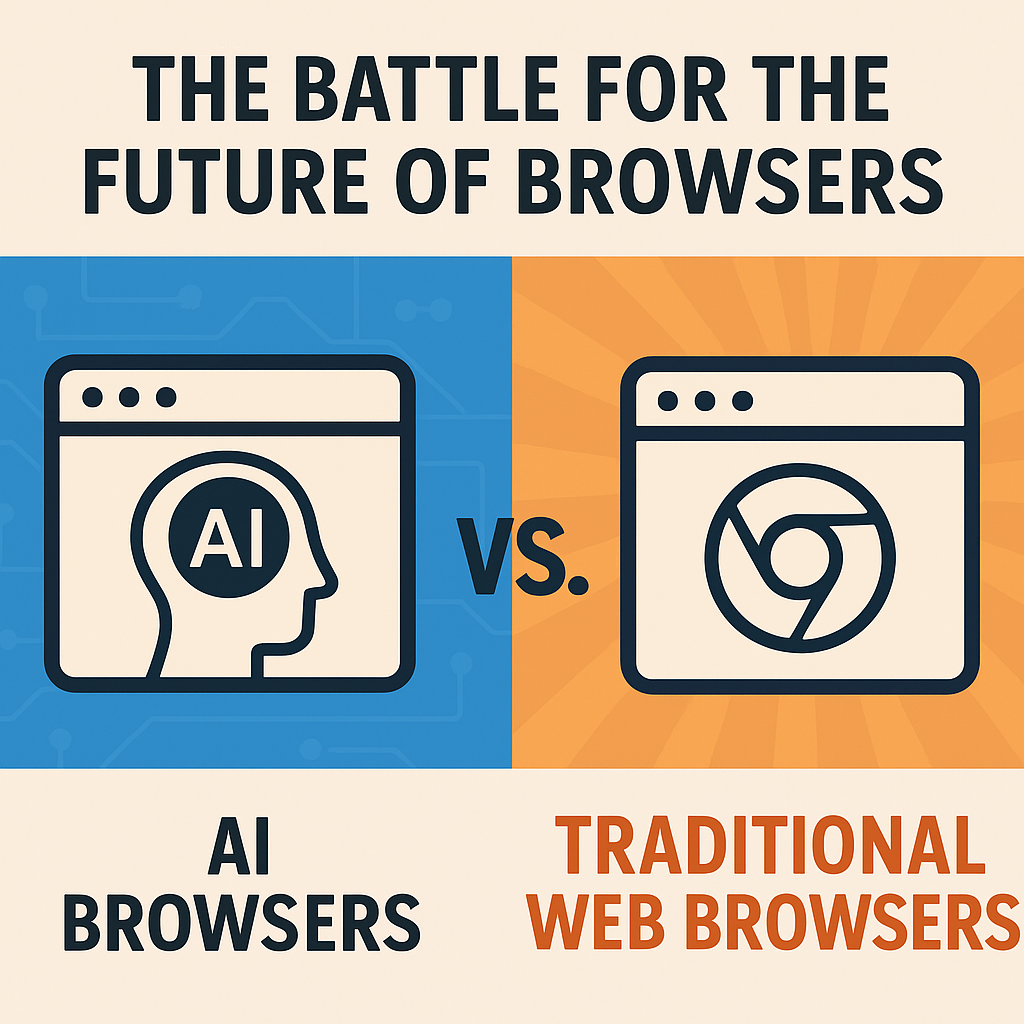
The Battle for the Future of Browsers: AI Browsers vs. Traditional Web Browsers
MaxTech Online
The Battle for the Future of Browsers: AI Browsers vs. Traditional Web Browsers
The browser is one of the most important pieces of everyday technology. It’s where we read news, shop online, watch videos, learn new skills, file taxes, manage email, book travel, and—more recently—work with AI tools directly. But as the web evolves, the way we navigate and use it is being challenged by a new contender: the AI browser. Traditional web browsers are still powerful, fast, and reliable, yet AI browsers promise a fundamentally different experience—one where the browser doesn’t just display pages, but helps you understand them, decide what to do next, and complete tasks with less friction.So what’s really happening in this “battle for the future of browsers”? Is the rise of AI browsers a revolution, a gimmick, or a practical evolution of the same browsing experience? In this post, we’ll explore how AI browsers differ from traditional web browsers, what users gain and what they risk, and how the next generation of browsing might look.
Traditional Web Browsers: The Proven Workhorses
Traditional browsers—think Chrome, Firefox, Safari, and Edge—were built around a simple and effective model: you request a URL, the server responds with a document, the browser renders it, and you interact with the page. Over time, the browsing experience expanded through features like tabbed navigation, search engines, bookmarks, extensions, autofill, password managers, and developer tools.Traditional browsers excel at:Speed and reliability: They’ve been optimized for years and handle huge amounts of traffic with impressive stability.Standard web compatibility: The web platform is the foundation, and browsers adhere to established standards so websites work consistently.User control: You decide what to click and when—no “black box” suggestions driving your actions.Extension ecosystem: Browser extensions can enhance productivity, privacy, accessibility, and security.Predictable performance: Pages load and behave in ways users can understand and troubleshoot.In short, traditional browsers are like well-designed highways: they’re not trying to be a coach, they’re trying to get you where you need to go.
Why Browsing Feels Hard in 2026 (and Beyond)
Even with modern browsers, many users experience friction. The web is bigger, noisier, and more content-heavy than ever. You might search for a topic and then spend 20 minutes jumping between tabs just to piece together the answer. Product pages can be cluttered with ads. Articles can be written at different reading levels. Instructions might be scattered across multiple websites. And sometimes the information you want is buried under paywalls, pop-ups, or complicated navigation.AI browsers aim to reduce this effort by changing the workflow:From searching to conversing: Instead of reading everything yourself, you ask questions and get a summarized answer.From clicking to completing tasks: The browser can help draft emails, fill forms, compare products, or outline steps.From navigating pages to extracting meaning: The browser becomes an “interface to information,” not only a viewer.
What Is an AI Browser?
An AI browser is typically a browser with AI features integrated directly into the browsing experience. Depending on the product, it might include:AI-assisted navigationInstead of only providing links and search results, the browser can interpret your intent and suggest relevant pages or actions.Summarization and reading assistanceAI can summarize articles, extract key points, and highlight sections that matter to your goal (e.g., “What are the pros and cons?” or “What does this policy mean for me?”).Task automationSome AI browsers can assist with multi-step tasks by interacting with web pages—such as gathering info, comparing options, creating a checklist, or helping you draft content.PersonalizationAI can tailor results to your preferences, past behavior, or stated objectives—like “plan a weekend itinerary for a family with toddlers.”Importantly, AI browsers are not just “browsers with chat.” They attempt to bridge the gap between reading information and taking action.
Key Differences: AI Browsers vs. Traditional Browsers
1) Interaction Model: Click-Based vs. Intent-Based
Traditional browsers are built around clickable elements: menus, links, buttons, and pages. AI browsers shift toward an intent-based model—where you describe what you want and the system helps you get there. This can feel like going from using a search engine to using a personal assistant.
2) Information Delivery: Pages vs. Answers
Traditional browsers deliver pages; you then read and synthesize the content yourself. AI browsers may deliver answers sooner by summarizing, extracting, and organizing information. That can be a huge time-saver—but it raises questions about accuracy and transparency.
3) Decision-Making: You Choose vs. the System Guides
In a traditional browser, you decide each step. In an AI browser, the system may suggest steps, prioritize information, or even take actions on your behalf. Guidance can reduce mistakes, but it also introduces a new risk: what if the AI steers you wrong?
4) Transparency and Control
Traditional browsing is highly observable: you can see where you clicked and what page you visited. AI-driven browsing may be less transparent, especially when it summarizes, compresses, or automates multi-step workflows. For user trust, explainability matters.
5) Extensions and Customization
Traditional browsers benefit from years of extension ecosystems. AI browsers are building their own integration layers. In the future, the best user experience may come from combining AI assistance with familiar tools like privacy extensions, accessibility helpers, and content blockers.
The Upside of AI Browsers: Why People Are Excited
AI browsers offer several compelling benefits, particularly for everyday users and knowledge workers.
Faster Research and Learning
Instead of opening ten tabs, you might ask the browser to compile key points, summarize sections, and list what sources say. When done well, this can cut the time required to learn a topic from hours to minutes.
Lower Reading Load
Not all content is equally easy to digest. AI can simplify explanations, translate pages, or summarize long legal or technical documents. That could be a major accessibility win.
Better Task Support
Shopping, travel planning, form completion, and document drafting are multi-step tasks. AI browsers can help by extracting relevant data and drafting responses, reducing the mental overhead of switching tabs.
More Natural Browsing
Humans don’t think in URLs—they think in questions. AI browsers align better with how people communicate. Instead of “search this,” users can say “help me compare these options” or “find the cheapest plan that covers my needs.”
The Risks: Accuracy, Privacy, and Overreach
While AI browsers can be powerful, they also introduce new concerns that traditional browsers have largely avoided.
Accuracy and Hallucinations
AI can sometimes produce incorrect information—especially if it summarizes without reliable sourcing. A browser that provides answers must be careful to cite sources, quote accurately, and distinguish fact from inference.
Source Transparency
If an AI browser summarizes a page, users may want to know where the summary came from. Without citations or links to the original content, trust becomes difficult.
Privacy and Data Handling
AI features often require processing user input and browsing context. That raises important questions:What data is sent to the AI?Is it stored and for how long?Can it be used to train models?Can users control permissions?Traditional browsers have privacy controls too, but AI adds a new layer of complexity.
Security and Permission Risks
If an AI browser can interact with websites or automate actions, it must do so safely. Users will need controls to prevent unintended purchases, incorrect form submissions, or navigation to unsafe pages.
Over-Dependence on the System
When AI becomes too good at “helping,” users might trust it without verification. The best experience will likely encourage critical thinking: “Here’s what I found—want to verify this section?”
Will AI Browsers Replace Traditional Browsers?
Probably not entirely. The most realistic outcome is coexistence. Traditional browsers provide the stable foundation of web rendering and standard compatibility. AI browsers can be viewed as a layer on top—an experience enhancement.Here’s the likely evolution:AI assistance becomes standardElements like summarization, reading modes, and search assistance could become common features in mainstream browsers.Automation becomes more controlledInstead of “the AI does everything,” users may get “AI drafts, you approve” workflows.Better privacy toolingRegulation and user demand may push vendors to provide clearer controls and on-device options.Extensions evolveWe may see a hybrid ecosystem where existing extensions interact with AI features, enabling more personalization and safety checks.The winner may be the browser that balances three things: usefulness, transparency, and user control.
Practical Tips for Using AI Browsers Safely
If you’re curious about AI browsers, here are smart habits to stay in control:
Verify critical info
For medical, legal, financial, or high-stakes decisions, compare AI summaries with the original source.
Look for citations
Prefer tools that provide links or quoted text so you can confirm accuracy.
Review permissions
Check what data the AI can access. If there are settings for “history,” “context,” or “site data,” configure them deliberately.
Use sandboxed workflows
If the AI browser can automate actions, ensure the tool requires confirmation before purchases or form submissions.
Keep your security basics
Use strong passwords, enable multi-factor authentication, and consider content blockers when browsing.
What the Best Future Browser Might Look Like
The best next-generation browser likely won’t feel like a replacement—it will feel like a natural upgrade to browsing intelligence.Imagine a future workflow like this:You tell the browser: “Help me plan a budget trip to Lisbon next month, including a day trip and affordable food options.”The AI browser collects pricing ranges, checks travel times, summarizes key attractions, and produces an itinerary with links to sources. Then it asks: “Do you want this itinerary to optimize for walking time or cultural highlights?”Finally, it drafts a packing list and suggests booking steps—while clearly showing where each piece of information came from.That experience would keep the user in charge while making the browser smarter.
Conclusion: The Browser Wars Are Evolving
The battle for the future of browsers isn’t simply AI vs. traditional. It’s about how we want to interact with information. Traditional browsers remain essential because they are dependable, compatible, and transparent. AI browsers are emerging because they reduce friction—compressing research, summarizing complexity, and helping users take action.In the end, the “winner” may not be the browser that replaces the other. It may be the browser that best merges two strengths: the reliability and control of traditional browsing with the guidance and productivity of AI.As users, our job is to demand transparency, fair privacy practices, and helpful automation that respects consent. If the industry gets that right, the future browser won’t just show the web—it will help you understand it, navigate it, and act on it with confidence.